Creating an Advertiser
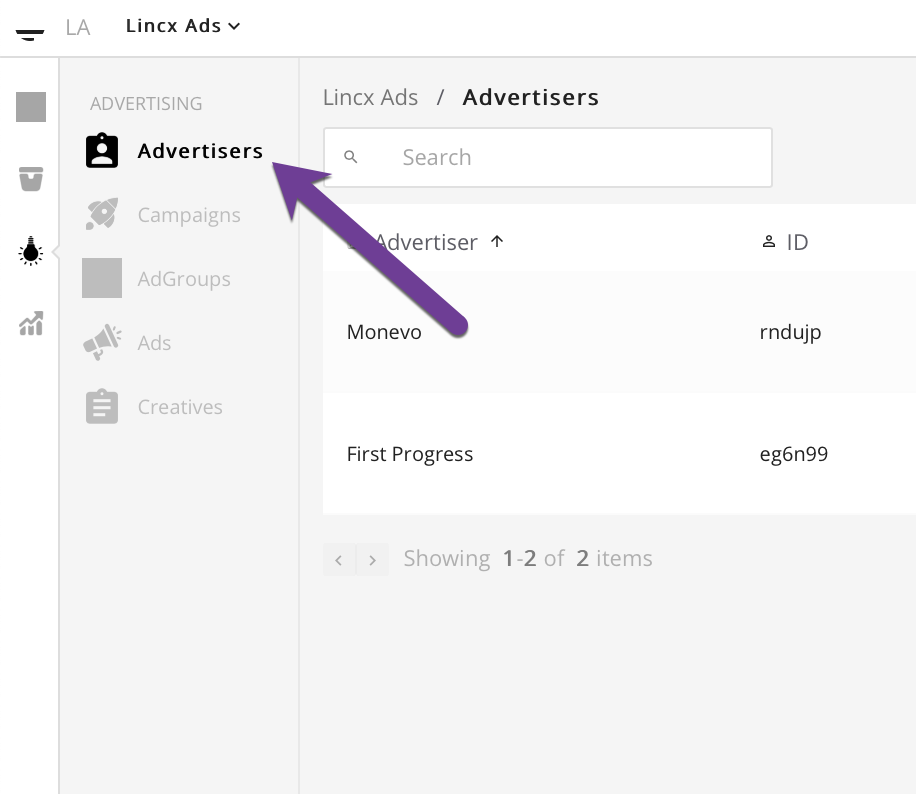
In order to create an Advertiser you will first need to navigate to the Advertisers tab in the Advertising section as depicted below.
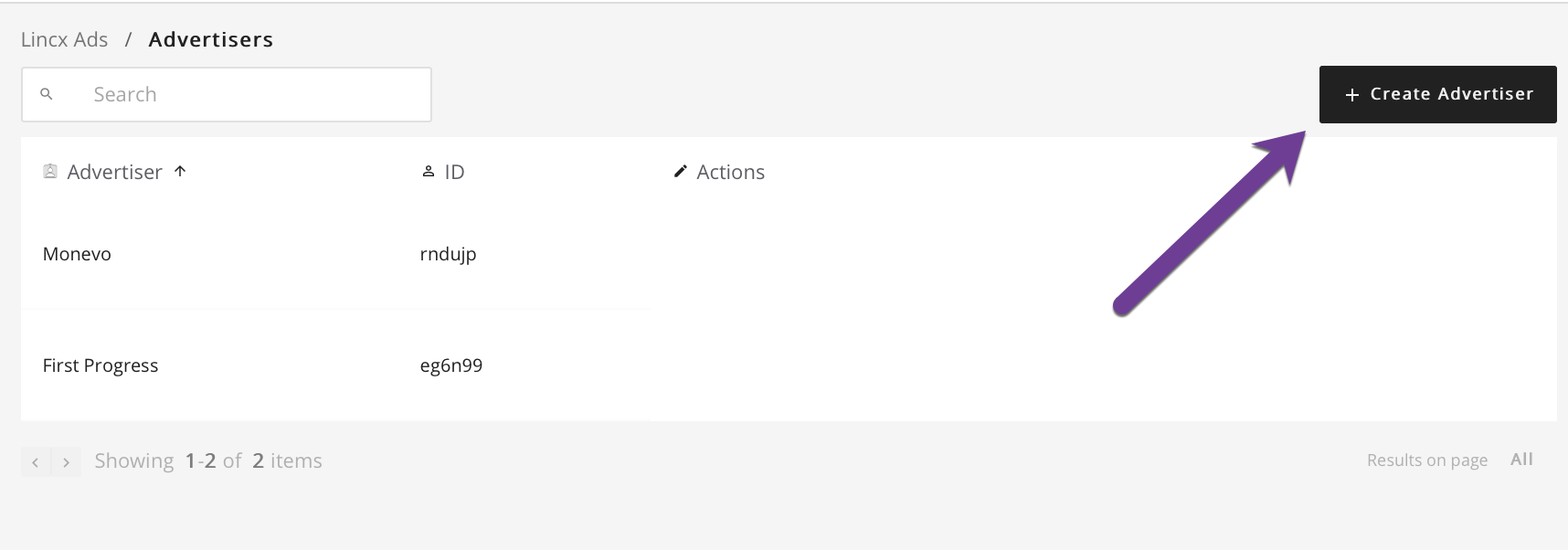
Once you are on that page, select the Create Advertiser button in the upper right corner which will take you to a form for creating a new advertiser.
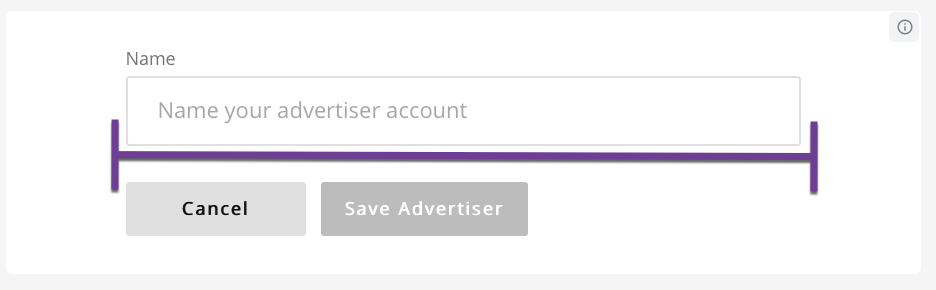
This form should look like the image below and will only require that you fill out the input called Name. Once you are satisfied with your entry, click the Save Advertiser button and you will be redirected back to the Advertisers index view.