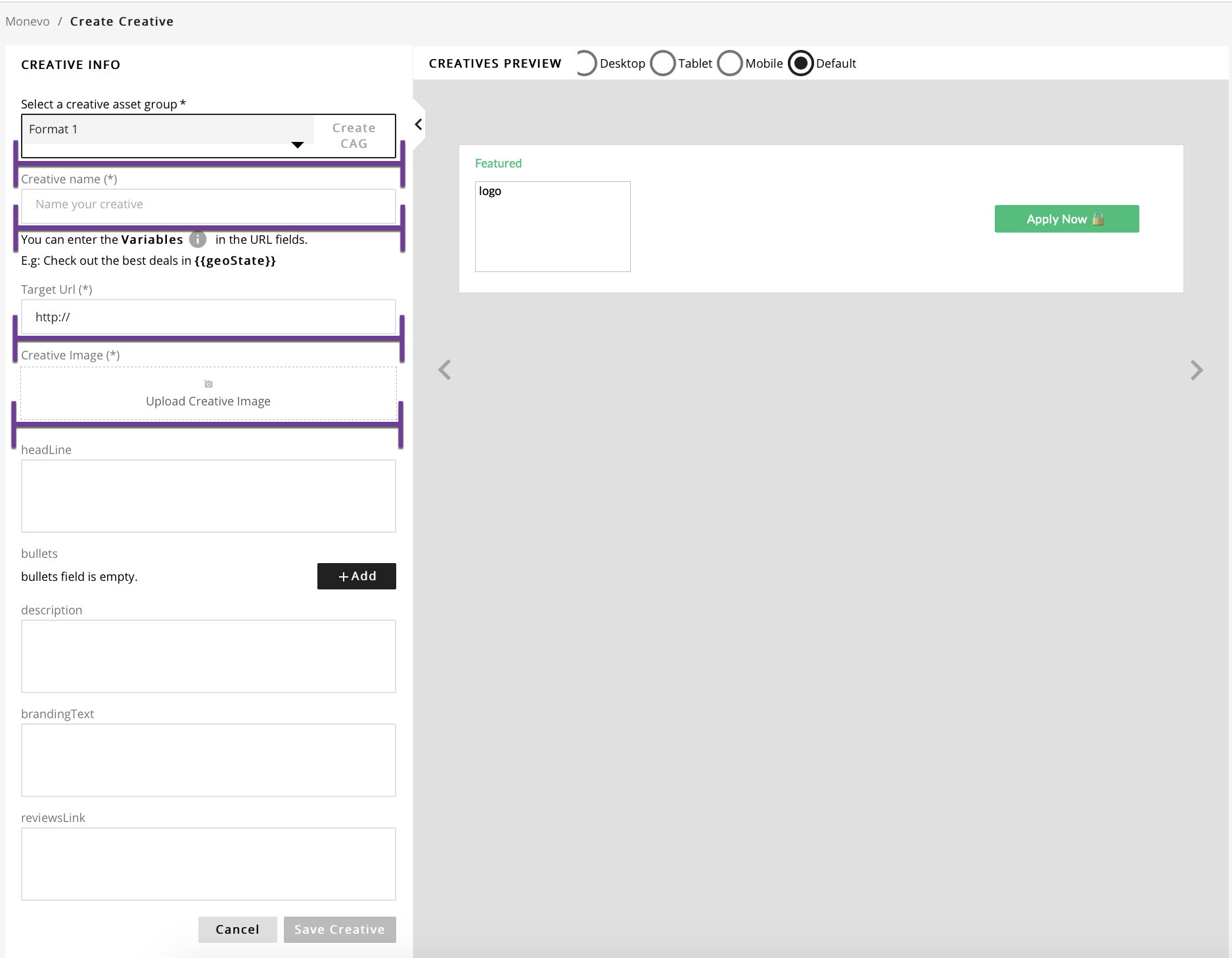
Creating a Creative
It should be noted that a pre-requisite for creating a Creative is the creation of an Advertiser with instructions found here.
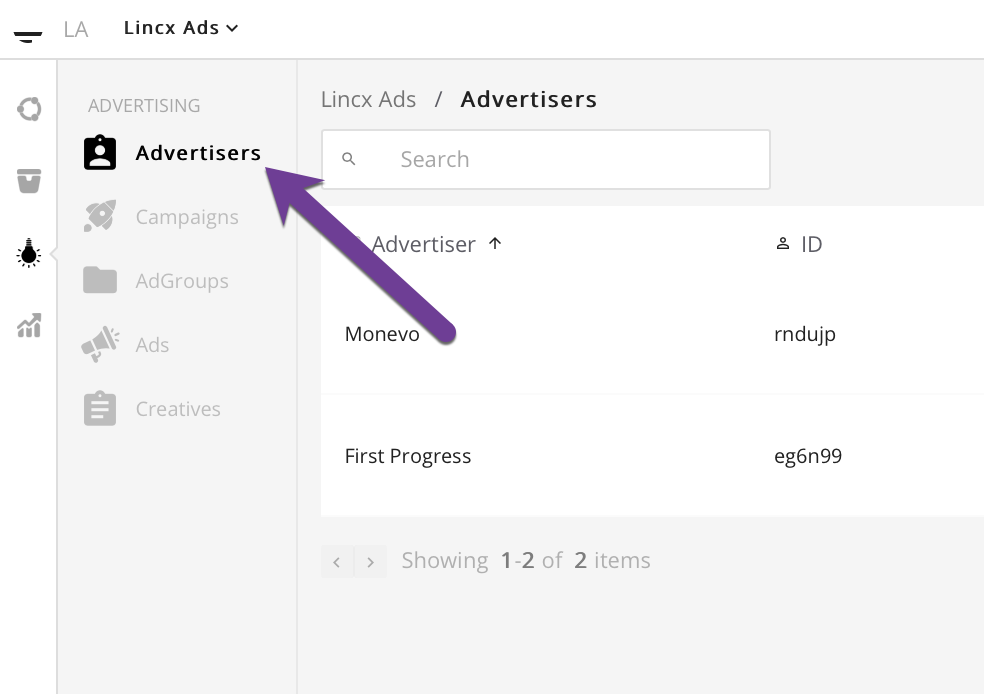
Once you have successfully created an Advertiser. Navigate to the Advertisers tab in the Advertising section as depicted below.
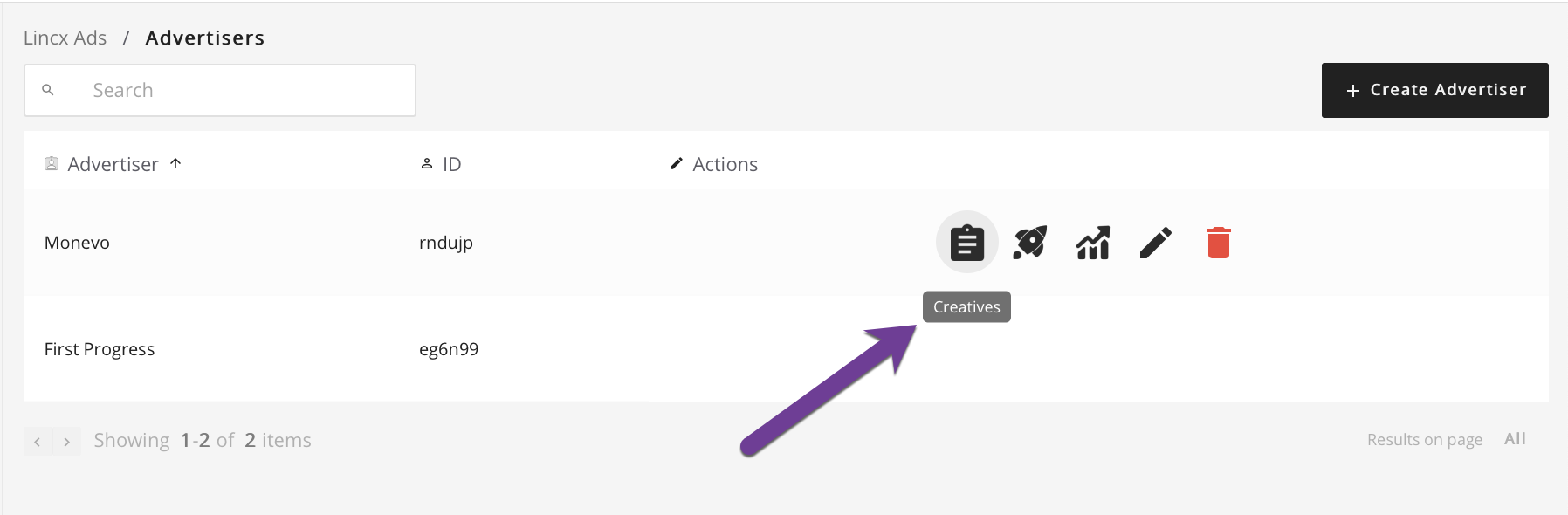
On this page you will find an index view of all Advertisers created. Find the Advertiser that you wish to create a Creative for and hover over the section to the right selecting the Creatives link shown below.
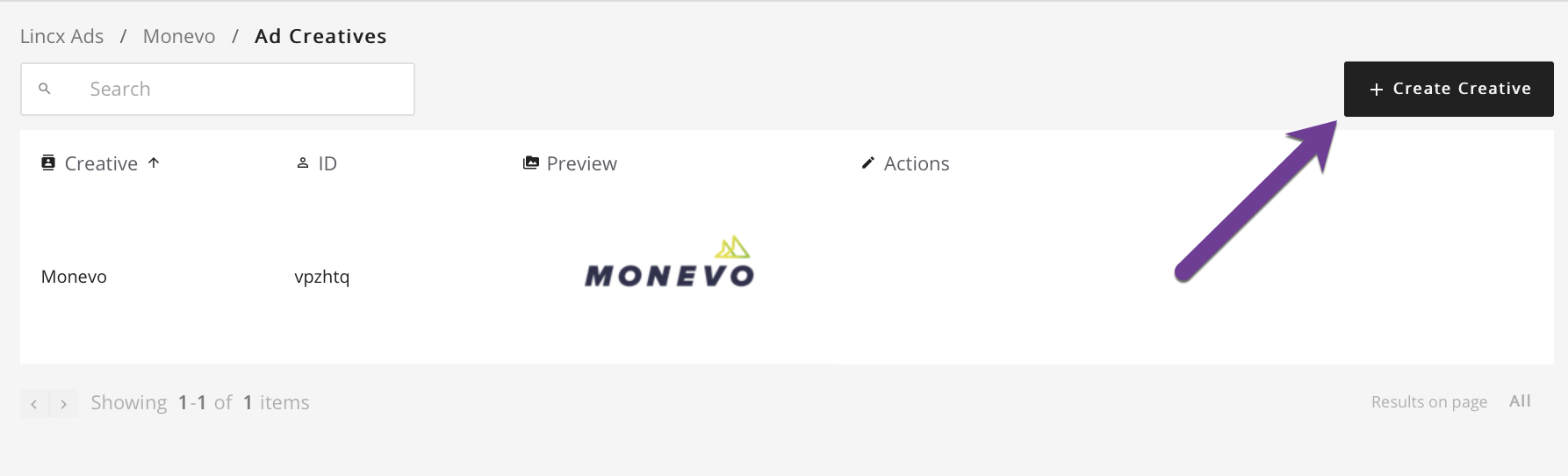
Once you're on that page, select the Create Creative button in the upper right corner which will redirect to a form.
This form should look like the image below. Simply select the Creative Asset Group, fill out the Creative Name, Target URL and upload an image. It should be noted that there will be other fields that correspond to the data points in your Creative Asset Group which can be filled out as needed. Once you are satisfied with your entry, click the Save Creative button and you will be redirected back to the Advertiser's Creative index view.