All Advertisers Report
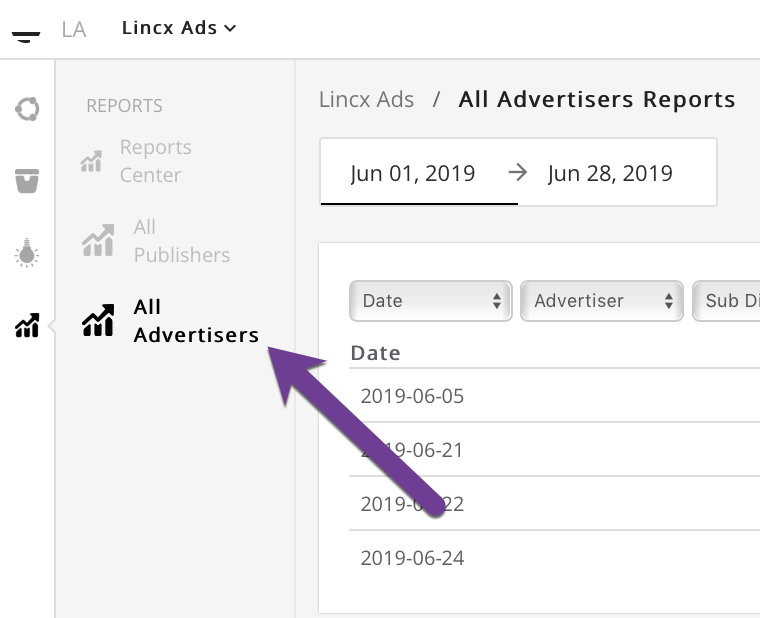
In order to view the All Advertisers Report you will first need to navigate to the All Advertisers tab in the Reports section as shown below.
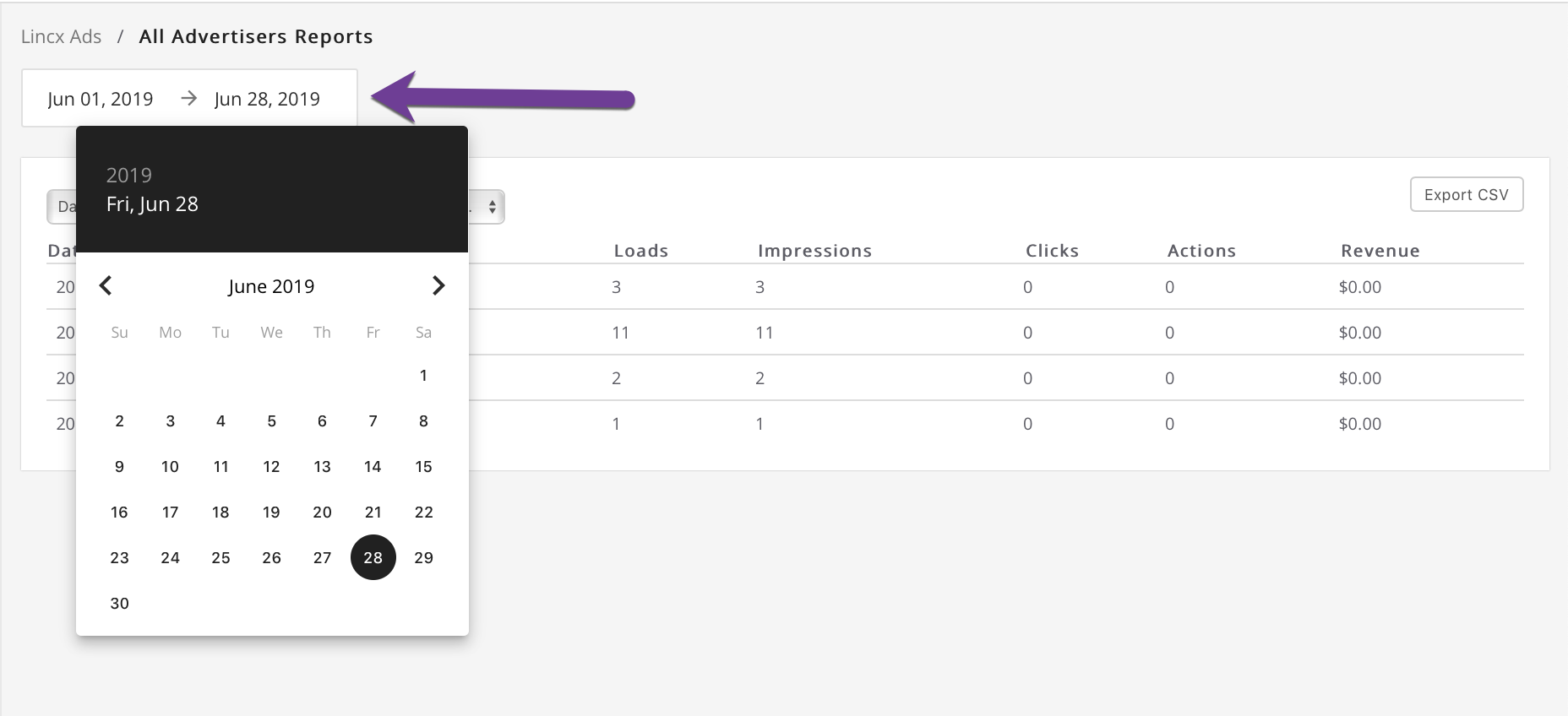
Once on this page you will want to select your date range from the upper left as indicated below and once that selection has been made the report will self populate with data.
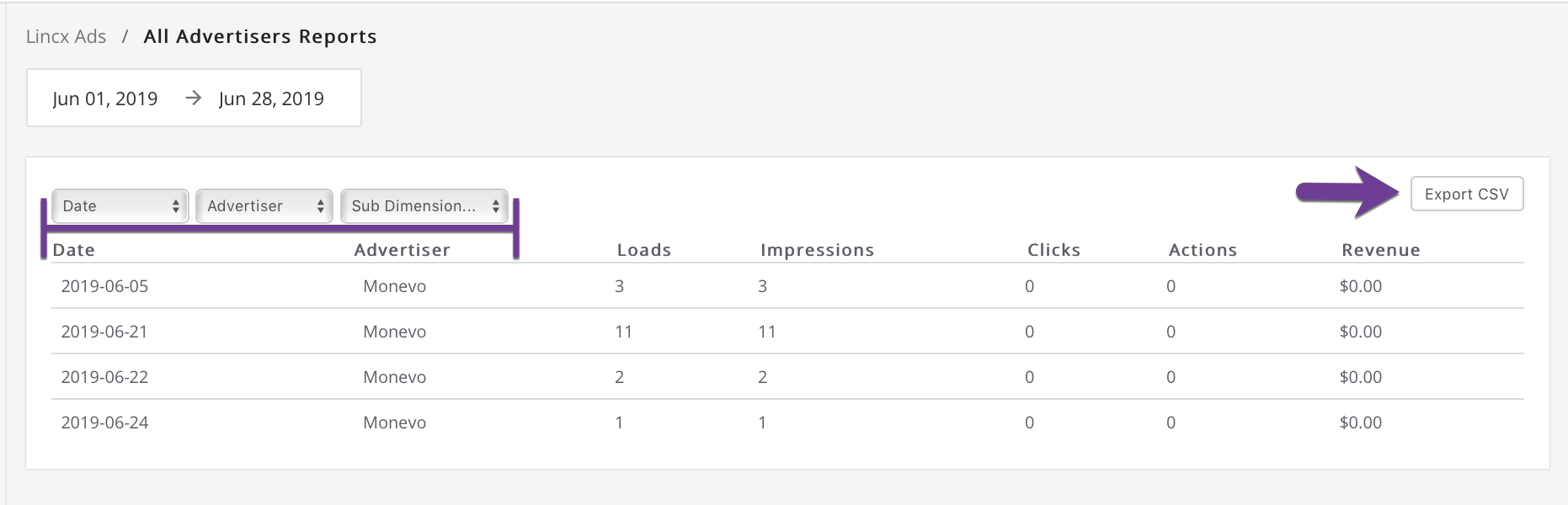
Should you wish to change the way that the data displays, simply choose from the dropdown listed at the top of the report and below the date selector. Also note the ability to export the displayed data to a CSV file if needed.