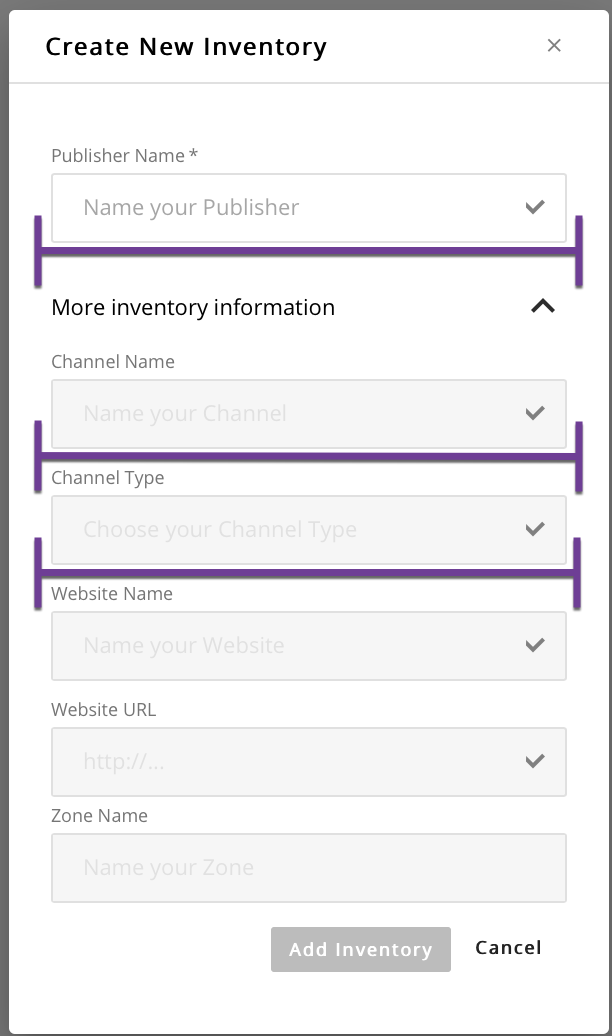
It should be noted that a pre-requisite for creating a Channel is the creation of a Publisher with instructions found here. However, a Publisher can be created during the Channel setup process, as well.
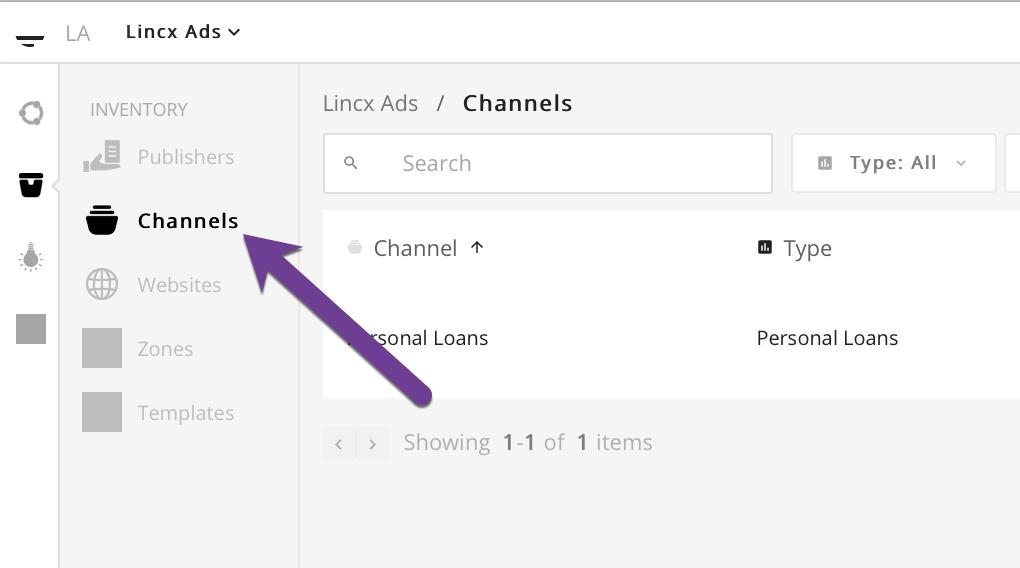
In order to create a Channel, you will first need to navigate to the Channel tab in the Inventory section as depicted below.
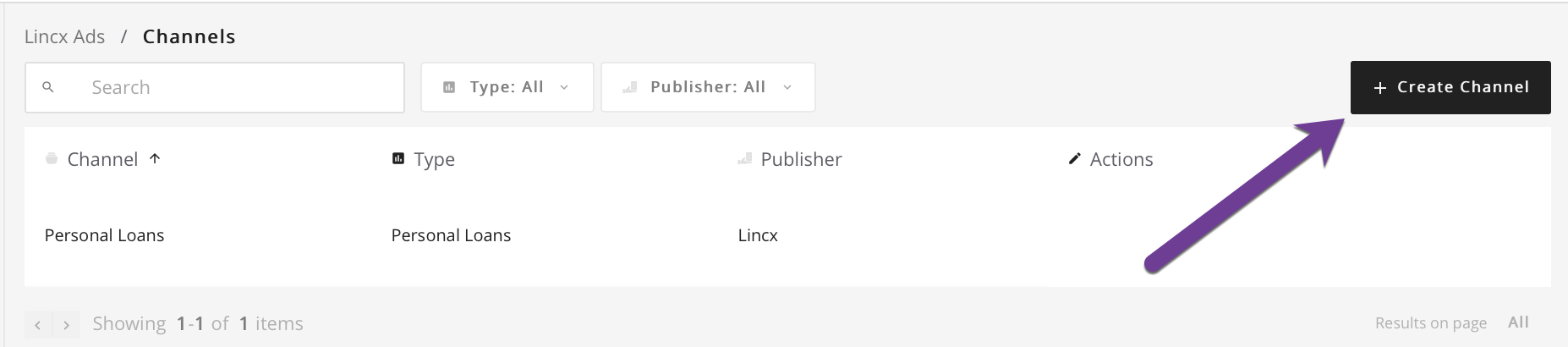
Once you're on that page, select the Create Channel button in the upper right corner which will open a popup form.
This form should look like the image below. In order to access the Channel portion of the form, it is required that you select from the top input called Publisher Name or type in the field to create a new Publisher. Once that is completed you will have access to the section related to Channel creation and can fill out the Channel Name field and optionally select the Channel Type. Further inputs included in the form below will enable you to create associated entities but are not required for the creation of a Channel (i.e. Site and Zone). Once you are satisfied with your entry, click the add inventory button and you will be redirected back to the Channel index view.